Resident confirmation
Review before intake
Staff see the suggested household and can select another resident before creating the parcel record.
For managing agents and property teams
Create separate site access, control authorised staff devices and give every front desk the same intake, resident matching and signed collection workflow.
Plans support from 2 to 30 sites, with device capacity matched to the selected plan.
Portfolio control without desk friction
The owner account is the control point for subscription, sites and authorised devices. Reception staff use a separate site login and never need the owner's billing credentials to handle a parcel.
Create and manage site access, review authorised devices and keep the subscription aligned with portfolio capacity.
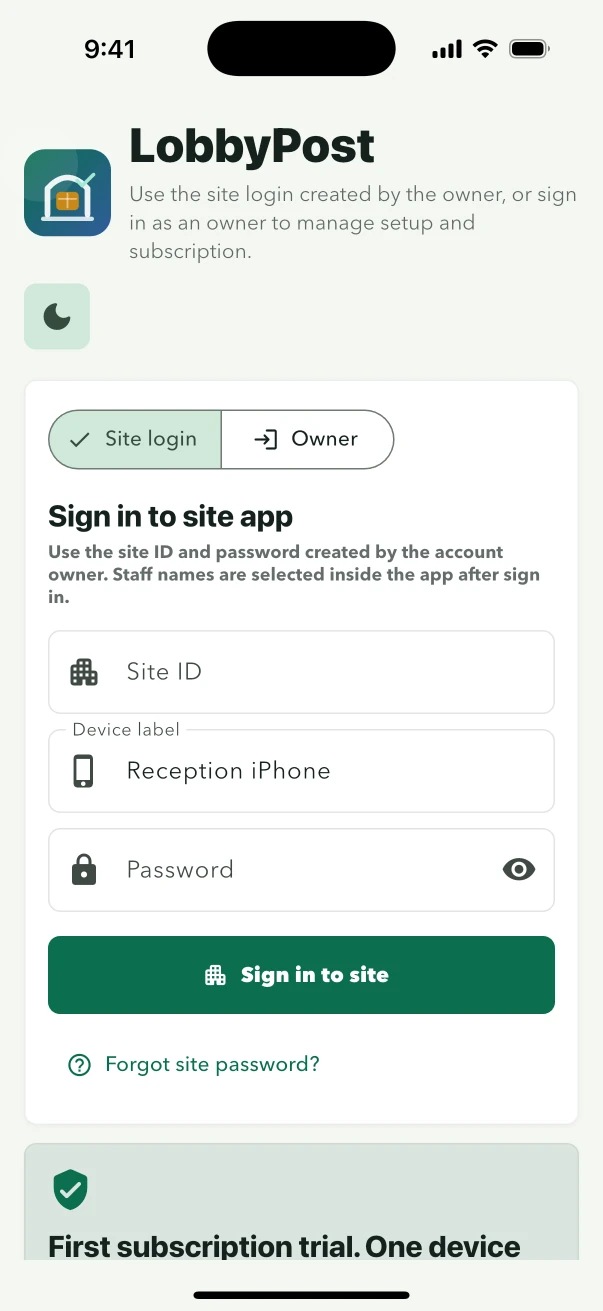
Connect a reception device to the correct site using credentials issued specifically for that building.
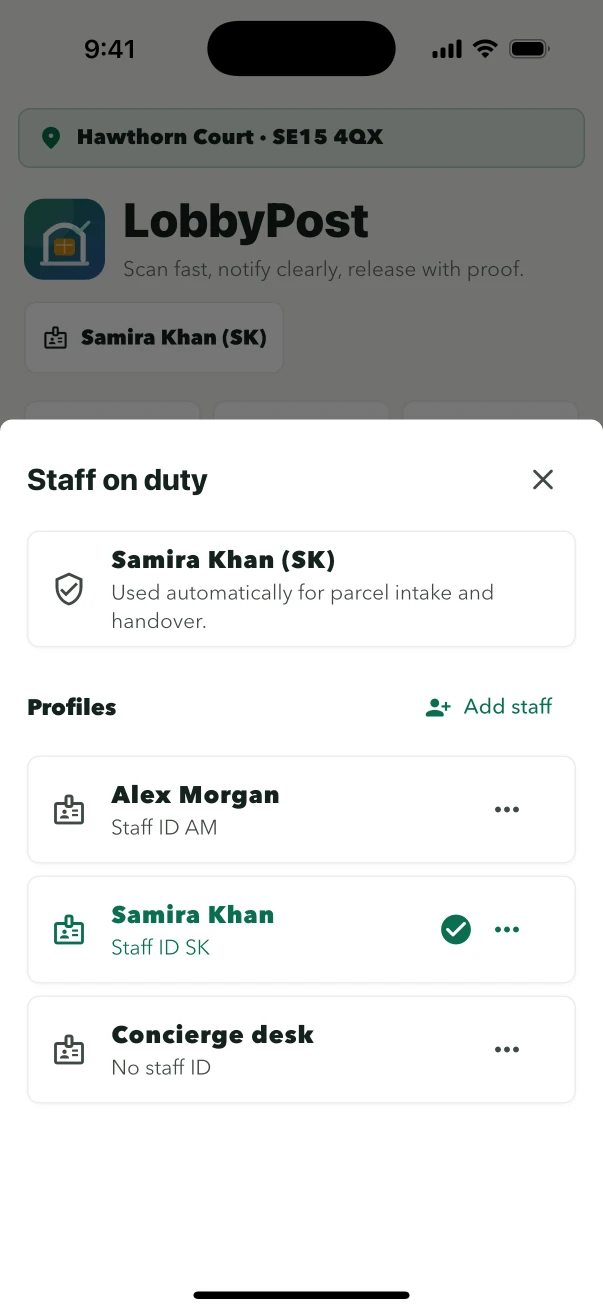
Attribute arrival and collection actions to the person on duty, not to the shared site credential.
Owner controls
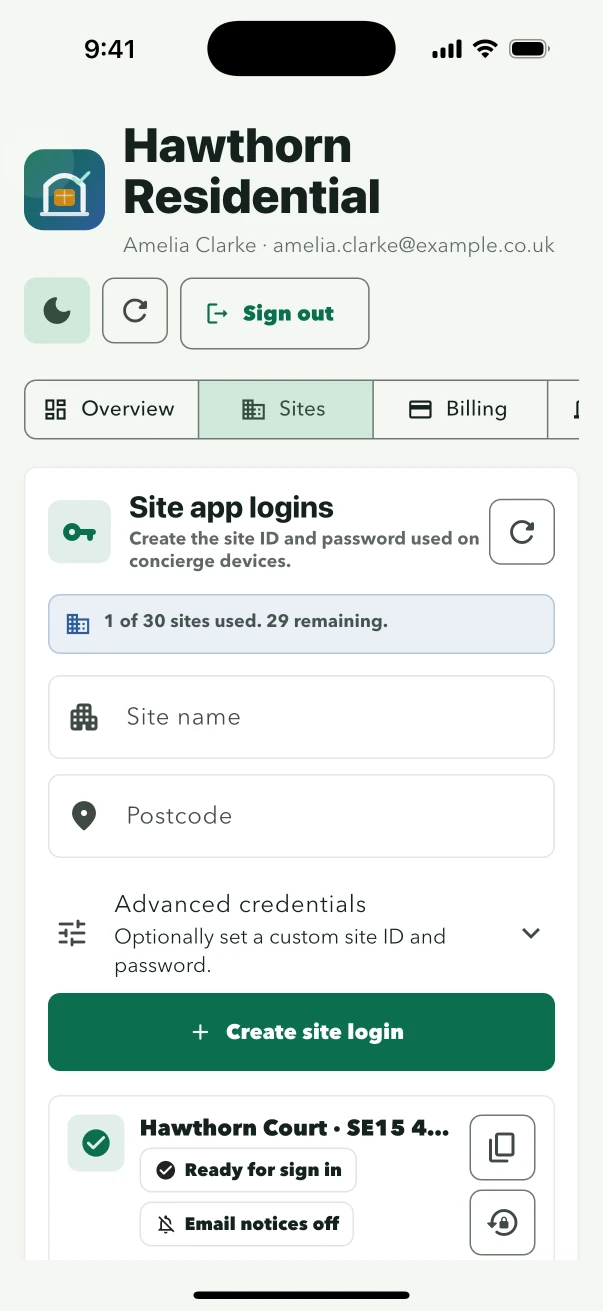
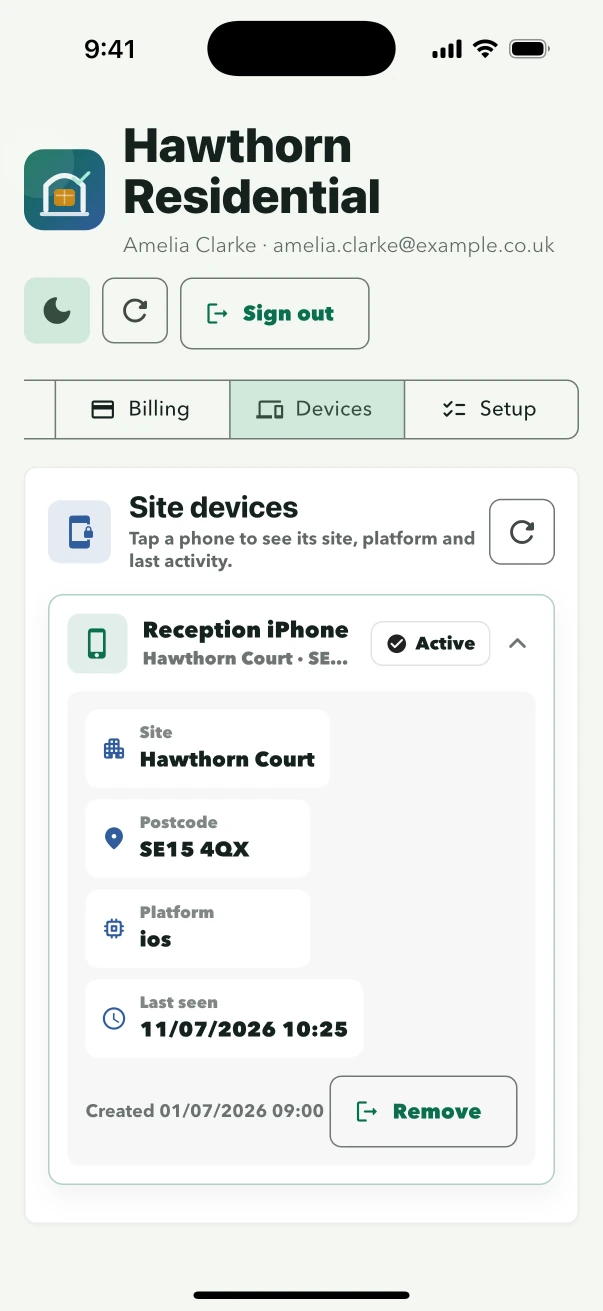
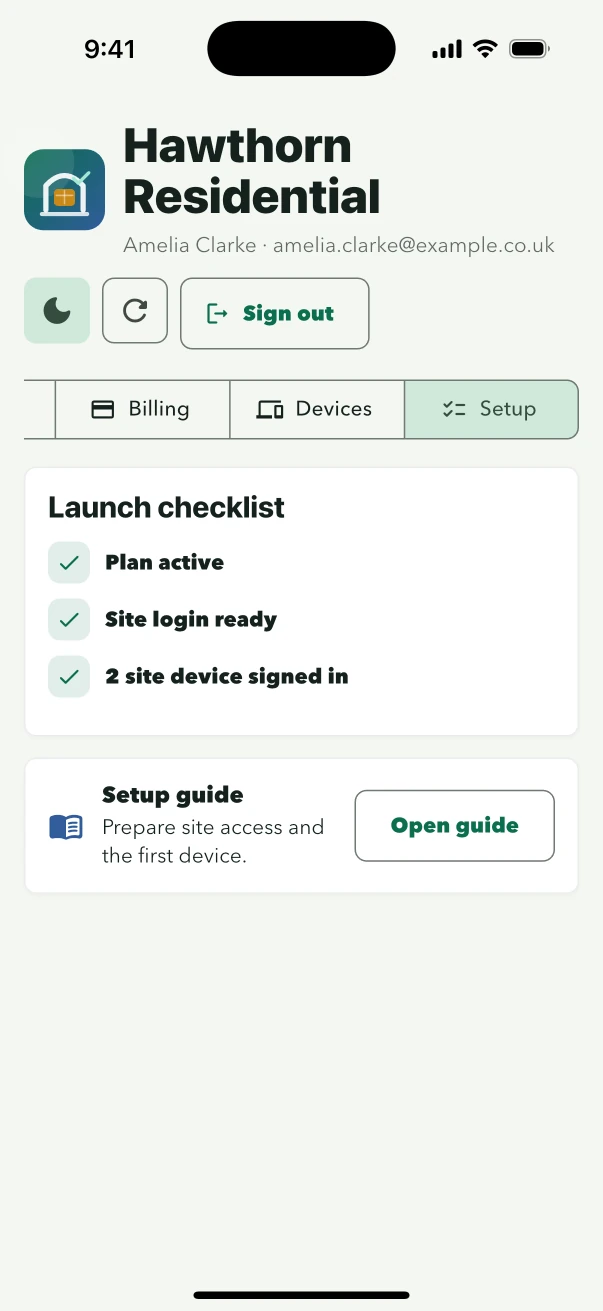
Add the buildings covered by the plan, issue their credentials and authorise the devices used at reception. Staff stay inside the mobile parcel workflow.
A repeatable rollout
LobbyPost makes the staff workflow predictable without merging building identities. Each site opens its own residents and parcel records, while staff follow the same arrival-to-collection steps.
Add the site name and issue credentials from the owner account.
Connect the supported iOS or Android device used by the site team.
Maintain the active residents and decide whether parcel email should be enabled for that building.
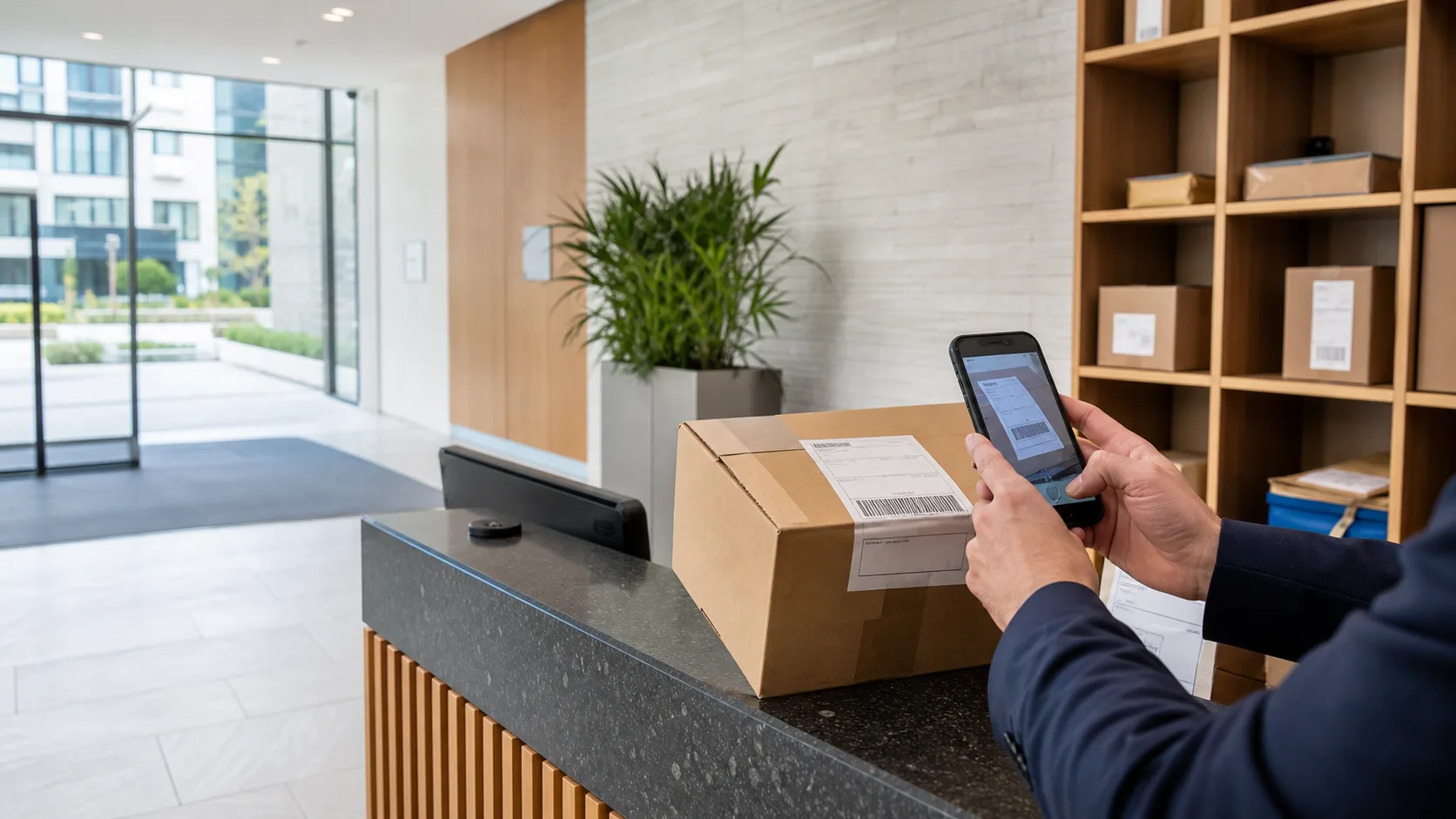
Scan or enter the parcel, confirm the resident and release it with a handover record.
One operating standard
A common mobile workflow helps sites record the same essential details even when the building, team or local email policy differs.
Resident confirmation
Staff see the suggested household and can select another resident before creating the parcel record.
Release confirmation
The waiting parcel selection is visible before the collector signs and the release is completed.
Record continuity
Receiving staff, release staff, collector, time, method and signature remain attached to the parcel history.
Cloud plan
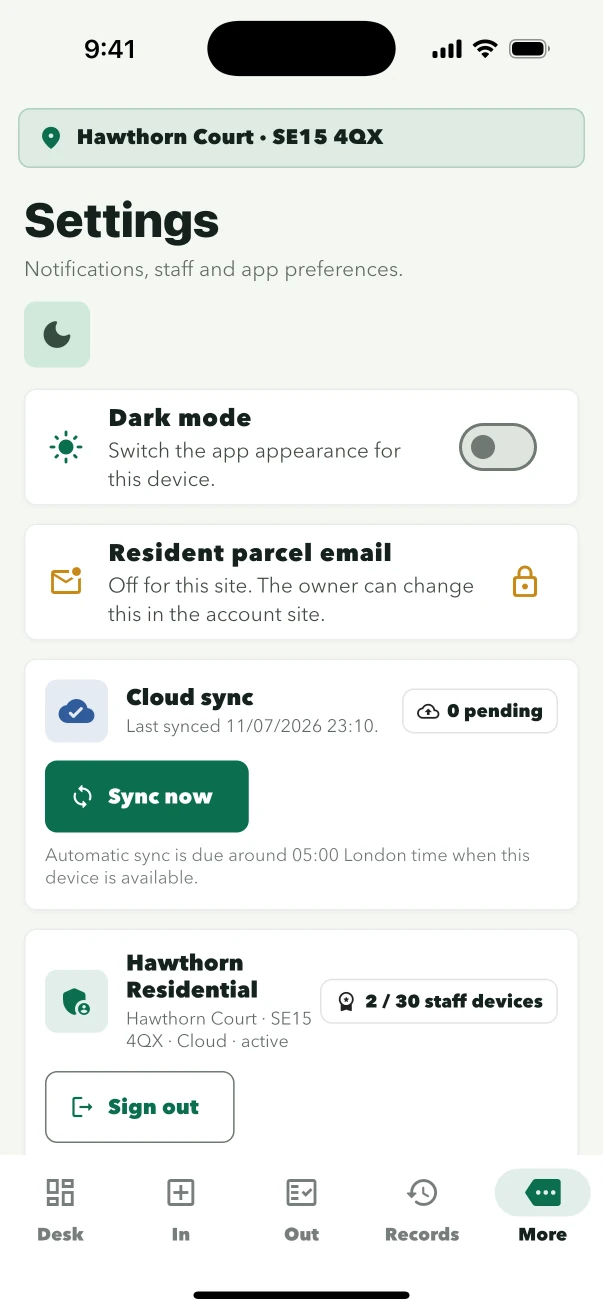
Where a site needs more than one working device, the Cloud plan adds scheduled daily and manual sync for that site's operational records. Different buildings remain separate; cloud sync is not a shared resident directory across the portfolio.
An automatic daily sync is scheduled for 05:00 Europe/London.
Authorised Cloud-plan users can start an on-demand sync when needed.
Only authorised devices for the same site exchange that site's records.
The reception workflow remains usable during a connection interruption and can reconcile later.
Site-level resident communication
Resident notifications are not a condition of parcel management. Email remains off by default and can be enabled for an individual site once the owner has the contact data and operating policy in place.
Staff still receive, search, release and retain parcel records normally.
The site can send individual or batch parcel notices from eligible plans.
One site's email choice does not change the operating policy of another site.
Property management questions
What managing agents and residential property teams need to know before rollout.
Yes. Each plan includes a defined number of sites and authorised staff devices. Every building receives separate site credentials.
No. Staff devices sign in with site credentials. Owner subscription, billing and site administration remain in the owner account.
Each phone or tablet authorised for staff use counts as one device. The plan limit is the total across the owner account.
No. It exchanges operational records between authorised devices for the same site. Different sites keep their residents and parcel activity separate.
Yes. Resident parcel email is configured per site and is off by default.
Size the rollout
Compare published capacity or talk to LobbyPost about a managed rollout for a larger residential portfolio.